IONIK Labs / MIDI Generator

PHANES

An idea is only the beginning.

Generate coordinated basslines, chords, and melodies. Explore an idea, edit the parts, and bring the MIDI into your track.

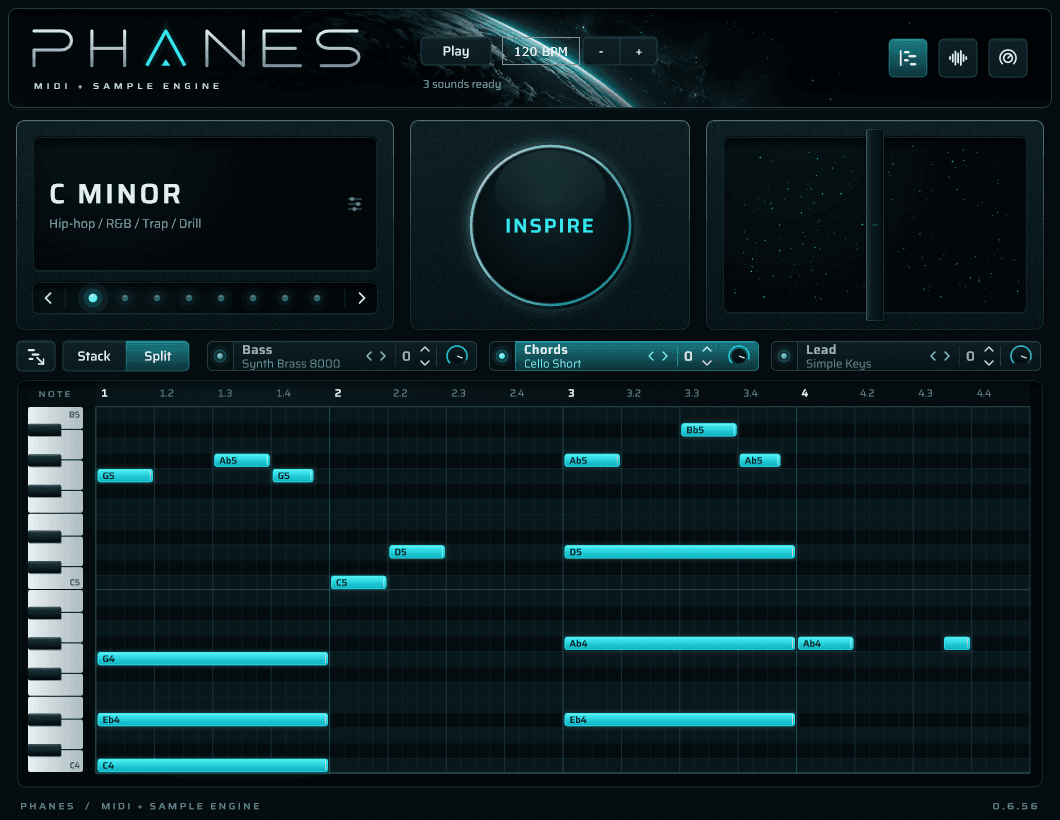
Phanes with a generated idea, Chords selected, and its editable notes visible in the piano roll.

Inside Phanes

From inspiration to arrangement.

Generate, explore, and shape the parts.

Inspire / Ideas

Start with a spark.

Press Inspire to generate a collection of coordinated bass, chord and lead ideas. Move between the idea dots to explore different directions without generating again.

Each idea keeps its parts together. Find one that catches your ear, then make it your own.
Phanes musical settings, selectable idea dots and the central Inspire button.
Inspire / Ideas — actual Phanes interface.

Key / Scale / Style

Set the musical direction.

Choose a root note and a major or natural minor scale. Blend style and mood preferences to guide the next generation.

The musical-settings panel sets the direction for new ideas without replacing the notes you are already working on.

Phanes musical-settings card showing C Minor and its style summary.
Key / Scale / Style — actual Phanes interface.

Bass / Chords / Lead

Together, but independent.

Switch between Bass, Chords and Lead to focus on each part. Choose its sound, shift its octave, adjust its volume, or turn its sound off.

The musical parts share an arrangement, while their individual controls let you shape the balance and register.

The Bass, Chords and Lead tabs with individual sound selectors, octave arrows, switches and volume knobs.
Bass / Chords / Lead — actual Phanes interface.

Piano roll / Note editing

Make the notes yours.

Work directly in the piano roll. Paint notes into empty cells, drag notes to change their pitch and timing, and resize their tails to change their length.

Audition pitches from the keyboard and remove notes you do not need. The generated phrase is a starting point, not a locked result.

Phanes’s Chords piano roll with generated notes, a timeline and audition keyboard.
Piano roll / Note editing — actual Phanes interface.

Stack / Split / MIDI export

Take the idea into your track.

Use Stack to export the full arrangement, or Split to export just the selected Bass, Chords or Lead part.

Drag the MIDI export icon into a compatible DAW or folder, or click it to save a MIDI file. Exported notes retain their pitch, timing, length and velocity; import behavior depends on the host.

Phanes’s MIDI export icon beside the Stack and Split buttons.
Stack / Split / MIDI export — actual Phanes interface.

Sound controls / Effects

Shape the sound behind the notes.

Keep the phrase. Change its character.

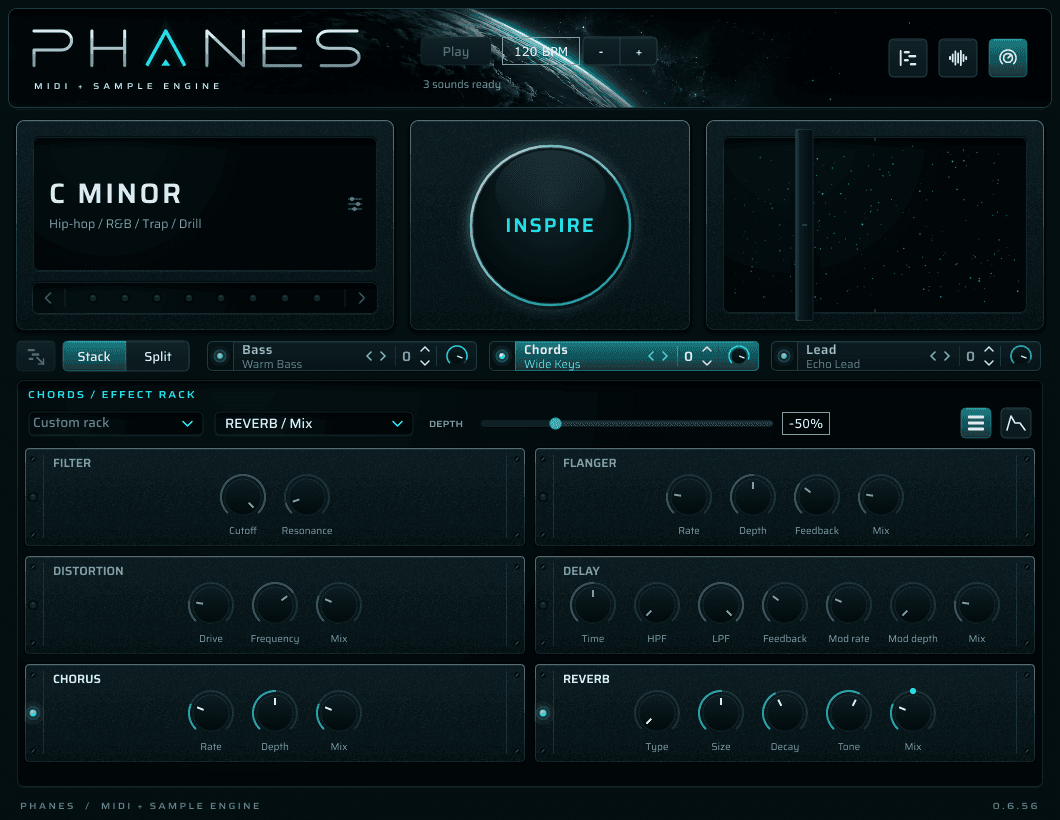
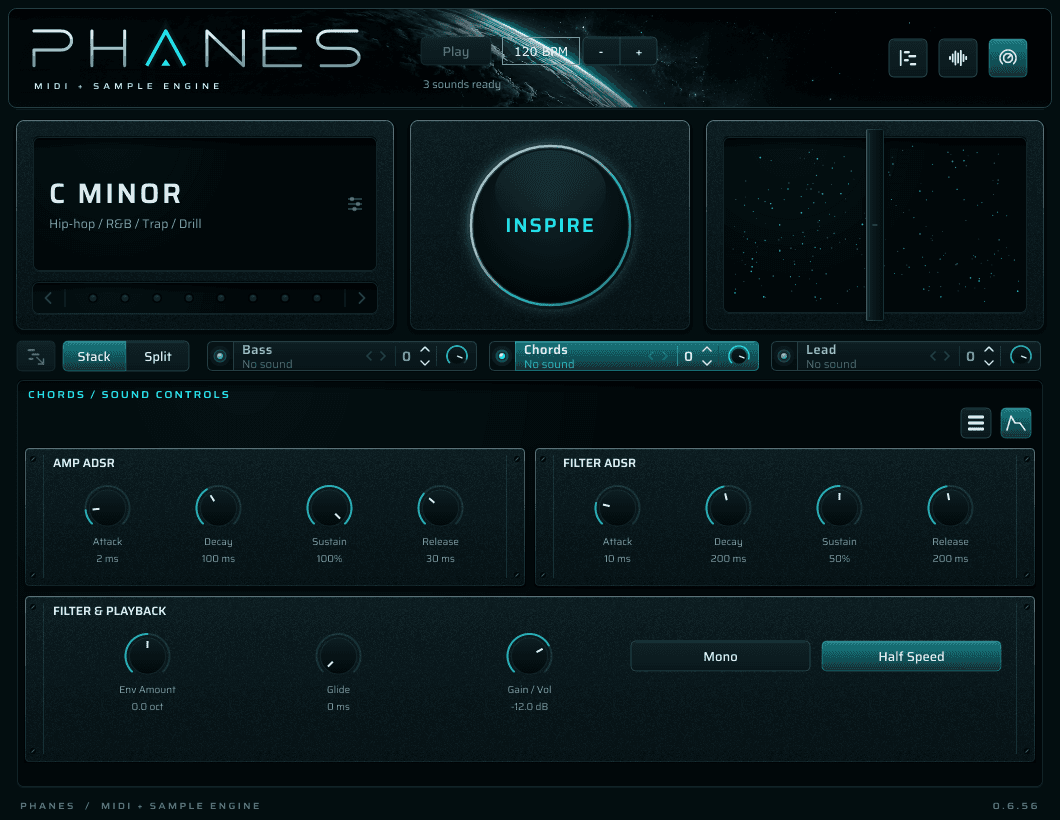
Each part has its own sound settings and effects rack. Shape the envelope and filter, then add distortion, chorus, flanger, delay and reverb. The bipolar fader moves assigned effect controls without rewriting the MIDI.

Phanes Sound Controls panel with separate Bass, Chords and Lead settings.Phanes per-part effects rack with filter, distortion, modulation and spatial controls.

Stay inspired.

JOIN THE WAITLIST

Hear it first

One email now, one on release day. Nothing else, ever.

You are on the list. Check your email — it has your place in the queue and what happens on release day.

That did not go through. Try again in a moment.

← All instruments